
WHAT’S INSIDE
Every detail of your home, in one place.
Rooms, materials, maintenance, contacts, documents, photos, codes — organized by property, ready when you need them. Here's what actually lives inside the Digital Home Manual.
PROPERTIES
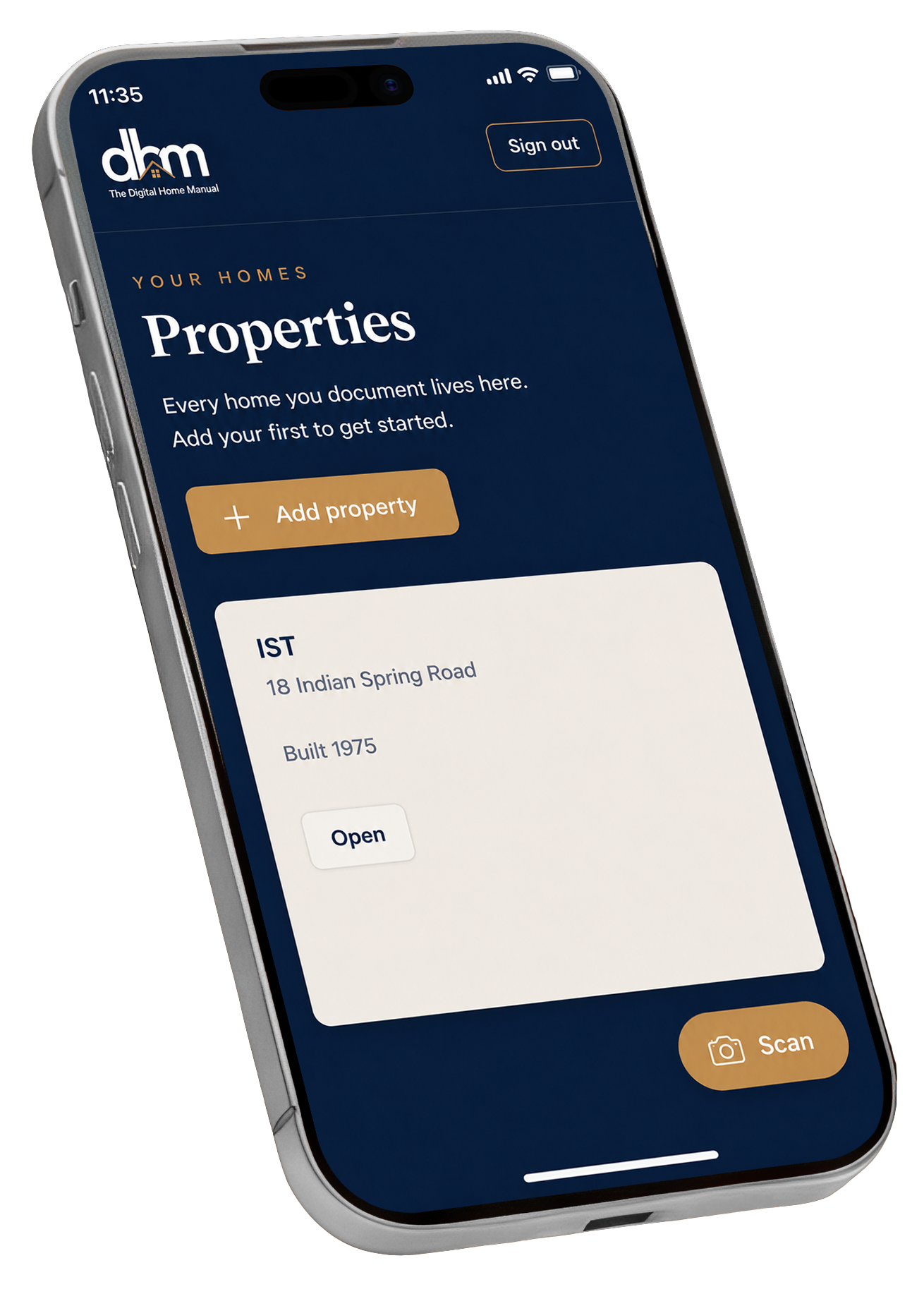
One dashboard. All your homes.
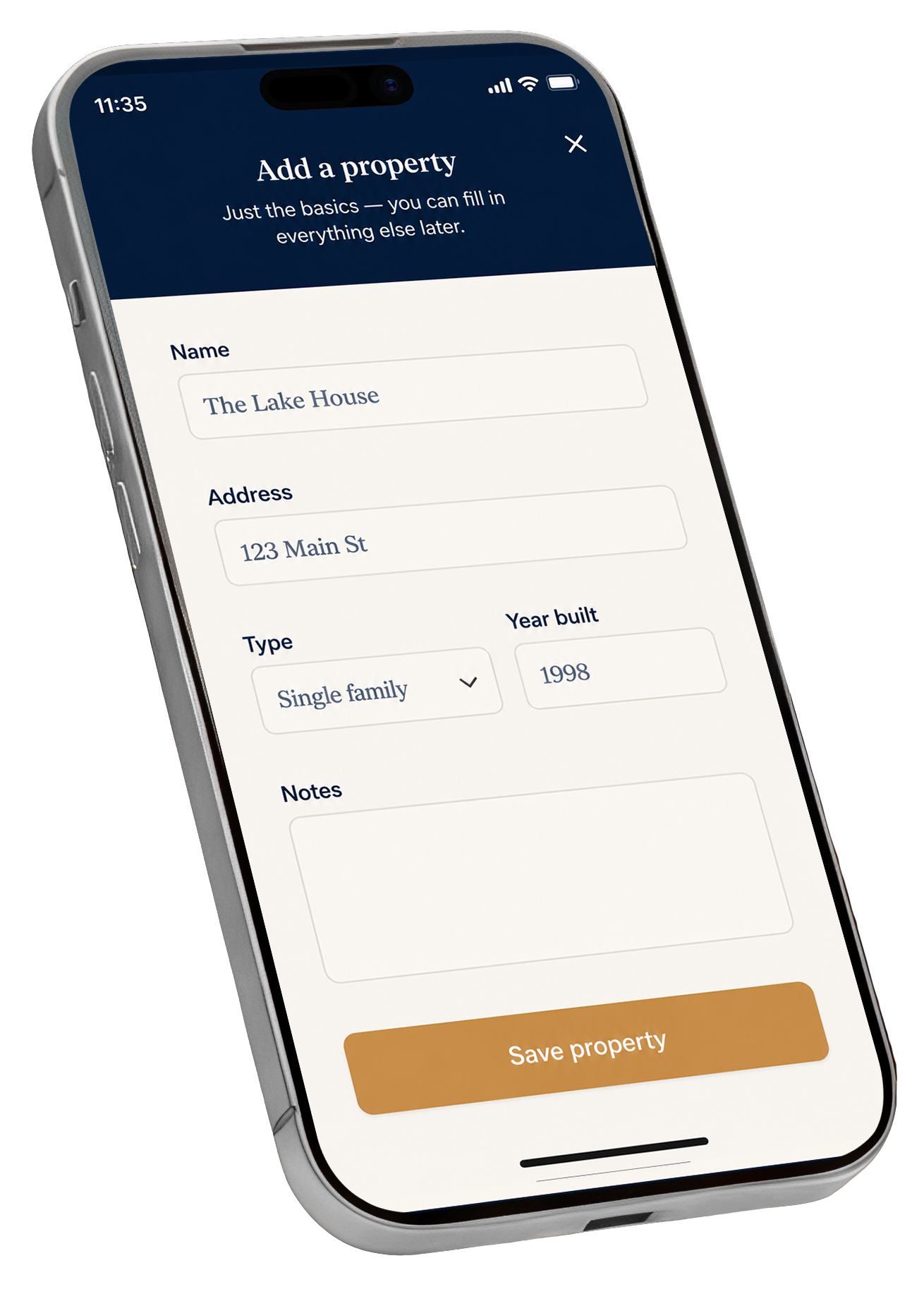
Every home you document lives in DHM. Add your first property in under a minute — name, address, type, year built — and start filling in the details.
If you own or manage more than one home, switch between them with a tap. Each property keeps its own rooms, documents, contacts, and maintenance schedule.
Add a property with just the basics — fill in the rest later
Switch between properties without losing your place
Per-property dashboards on Pro and Builder Pro plans
INSIDE EACH PROPERTY
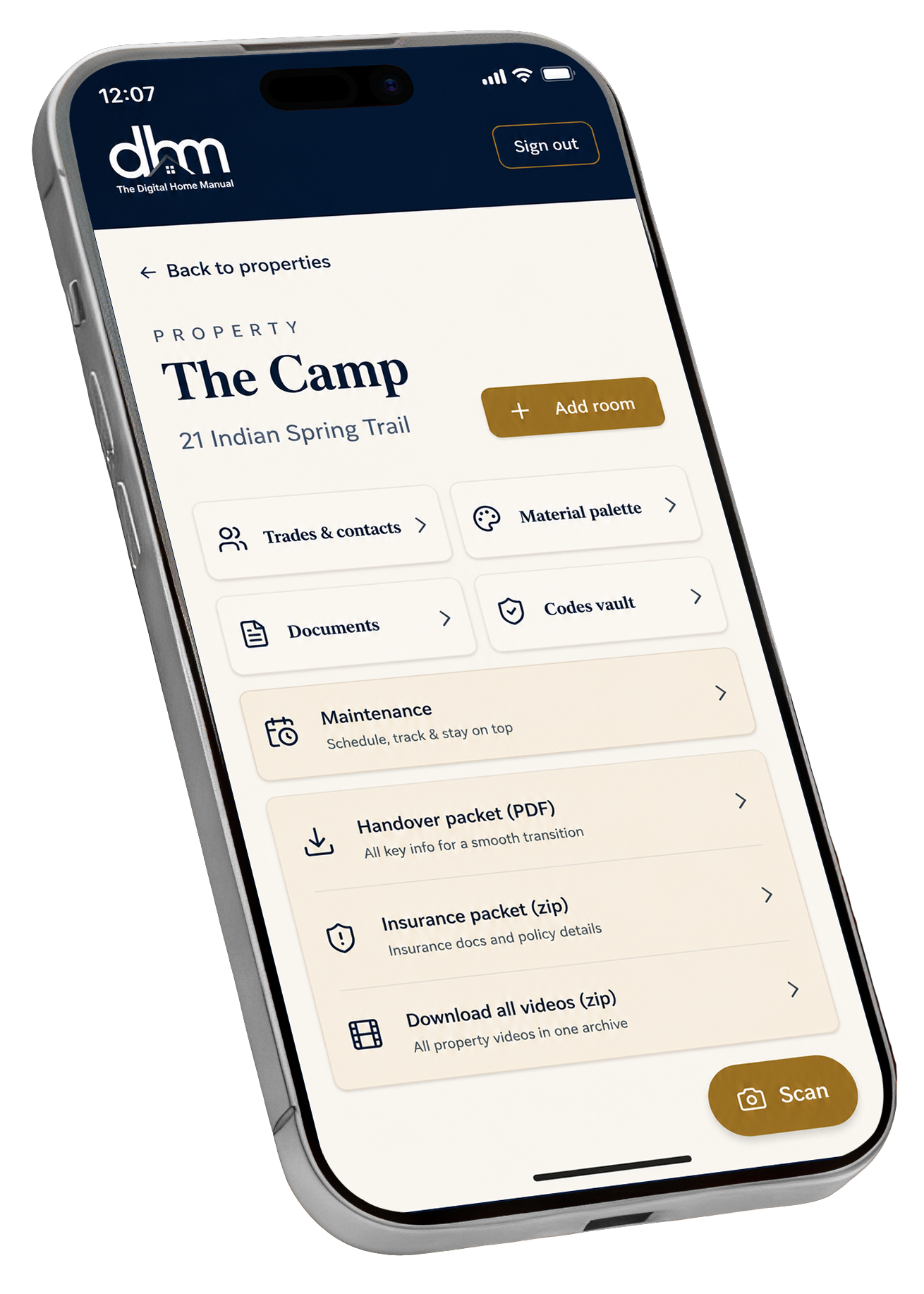
Rooms, trades, documents, codes — everything in its place.
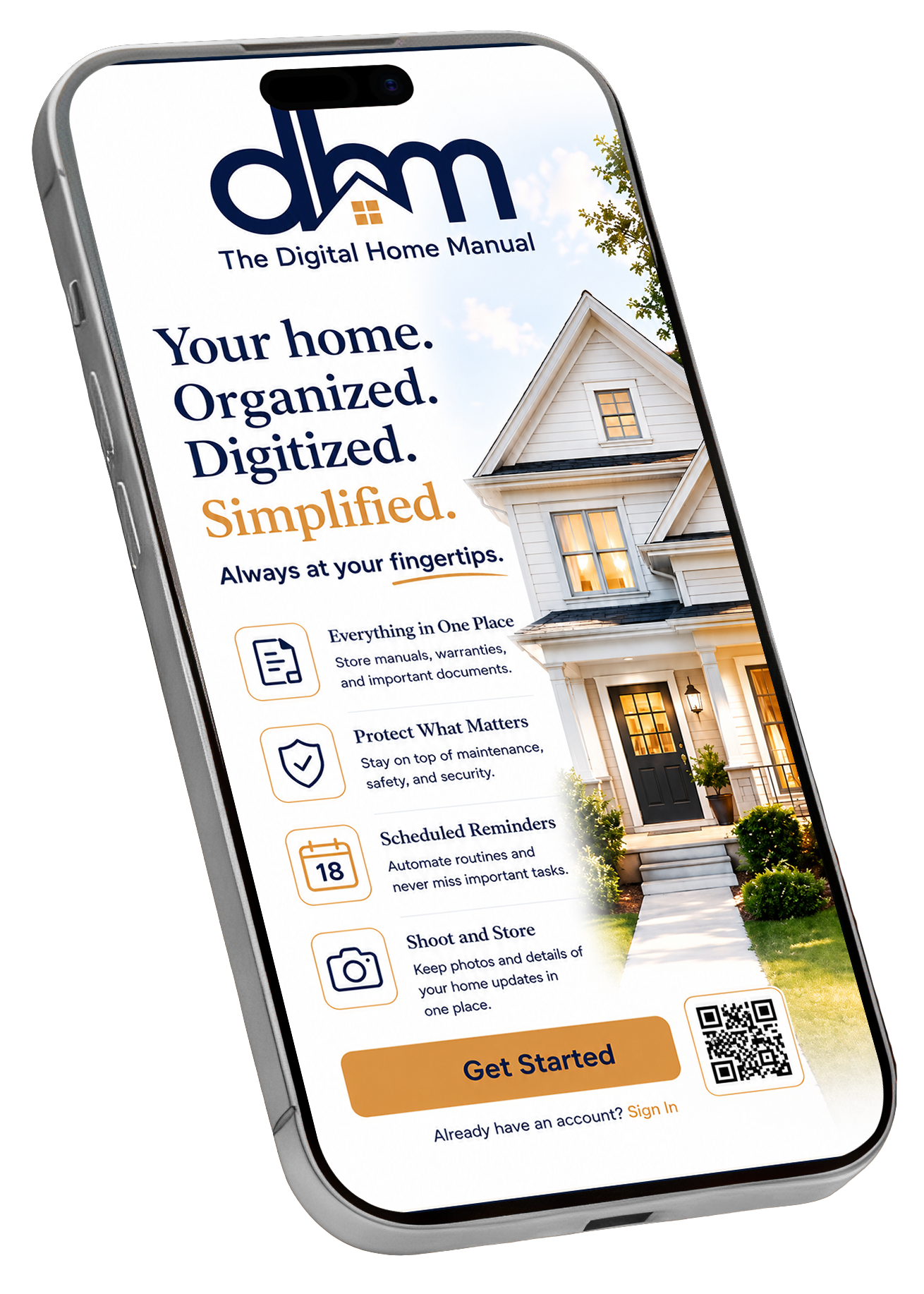
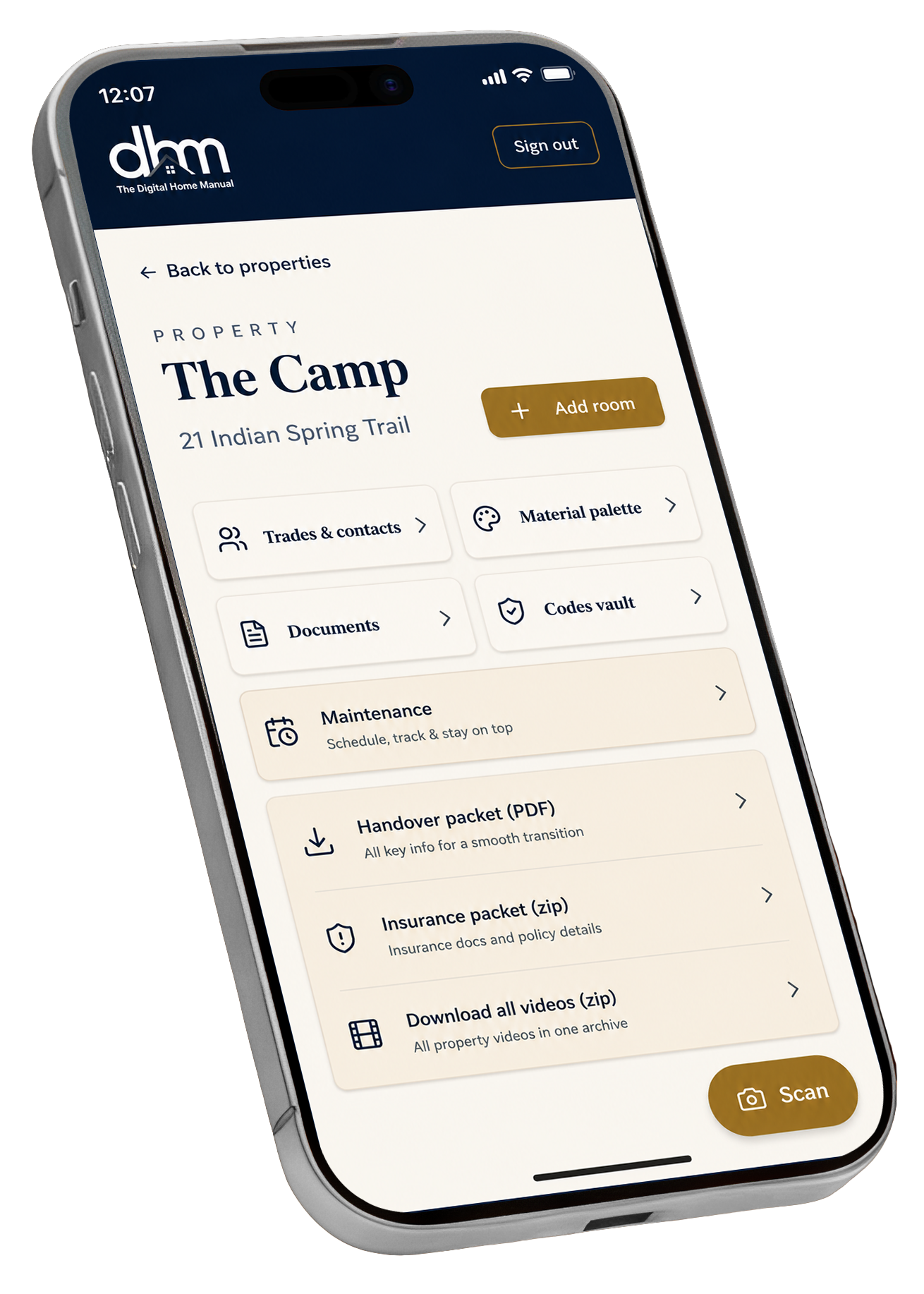
Open any property in DHM and you'll find the tools that matter most: Trades & Contacts, Material Palette, Documents, Codes Vault, Maintenance schedule, Handover Packet, Insurance Packet, and a place for every photo or video of every room.
Add a room. Scan a document. Snap a photo of the paint chip. The way you think about your home is the way DHM organizes it.
ROOMS & MATERIALS
The paint chip. The fabric code. The exact name of that grout.
We've all been there — at Home Depot on a DIY run, but without the correct paint chip or the fabric code, the exact plant name, the model number of the bulb that just blew. DHM keeps every detail of every room, so you walk in with a phone instead of a guess.
Upload all the details of each room — including a photo of your paint chip
Fabric styles and codes for curtains, sofas, slipcovers
Interior design references — carpets, wall coverings, rugs, throws — with the sales clerk's name, phone, and store location
MAINTENANCE & REMINDERS
Nothing slips through the cracks.
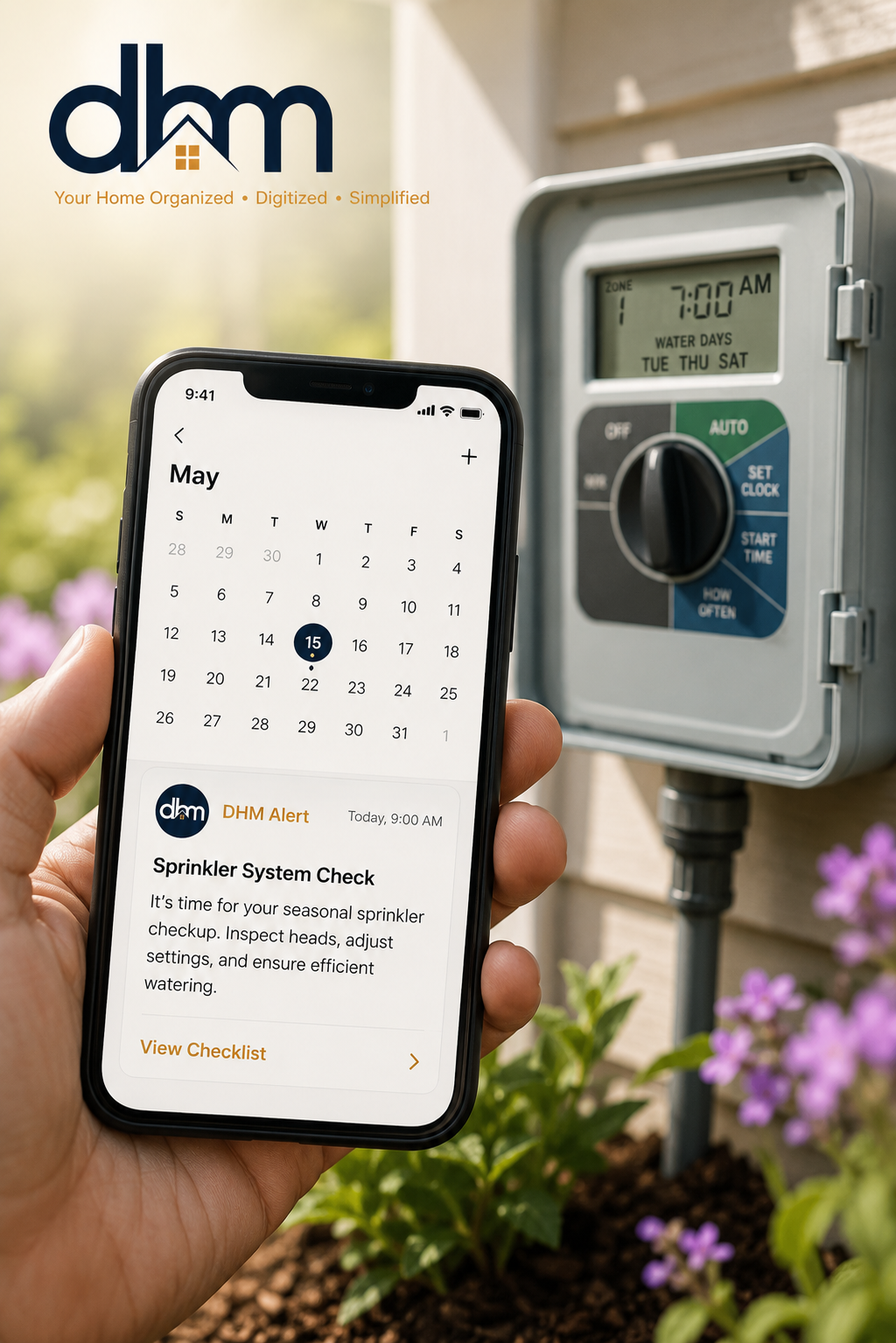
Set DHM to remind you when the sprinklers are due for service. When the smoke and fire alarm batteries need replacing. When the HVAC filter is overdue. The small recurring jobs that keep a home running — DHM remembers them so you don't have to.
Schedule reminders for service, inspections, and seasonal upkeep
Track what's been done and what's coming up
Get notified on the device you actually carry
DOCUMENTS, INSURANCE & HOME HANDOFF
Important papers? Photograph them. Done.
Take a photo on your phone and DHM uploads, tags, and files it — searchable later by room, by warranty status, or by the item it belongs to. Manuals, receipts, warranties, deeds, insurance policies. All in one place.
House fire? Flood? Storm damage? Take video and photos of every room and the contents of each room, and share them with your insurance company as a back-up to any claim.
Selling the house? Delete anything you want to keep private, then share the entire DHM with the buyers — they take over with a complete record of the home they just bought.
TRADESPEOPLE & EMERGENCY CONTACTS
The right contact, when you need it most.
Your lawn care company. Your painter. Your plumber. Your electrician. Your lighting expert. Your termite control. Every conceivable contact you rely on to keep your home running smoothly — all in the palm of your hand.
When something fails on a Sunday night, you're not digging through a junk drawer for an old business card. You're tapping a name, calling, and going back to your evening.
BUILT AROUND YOUR DAY
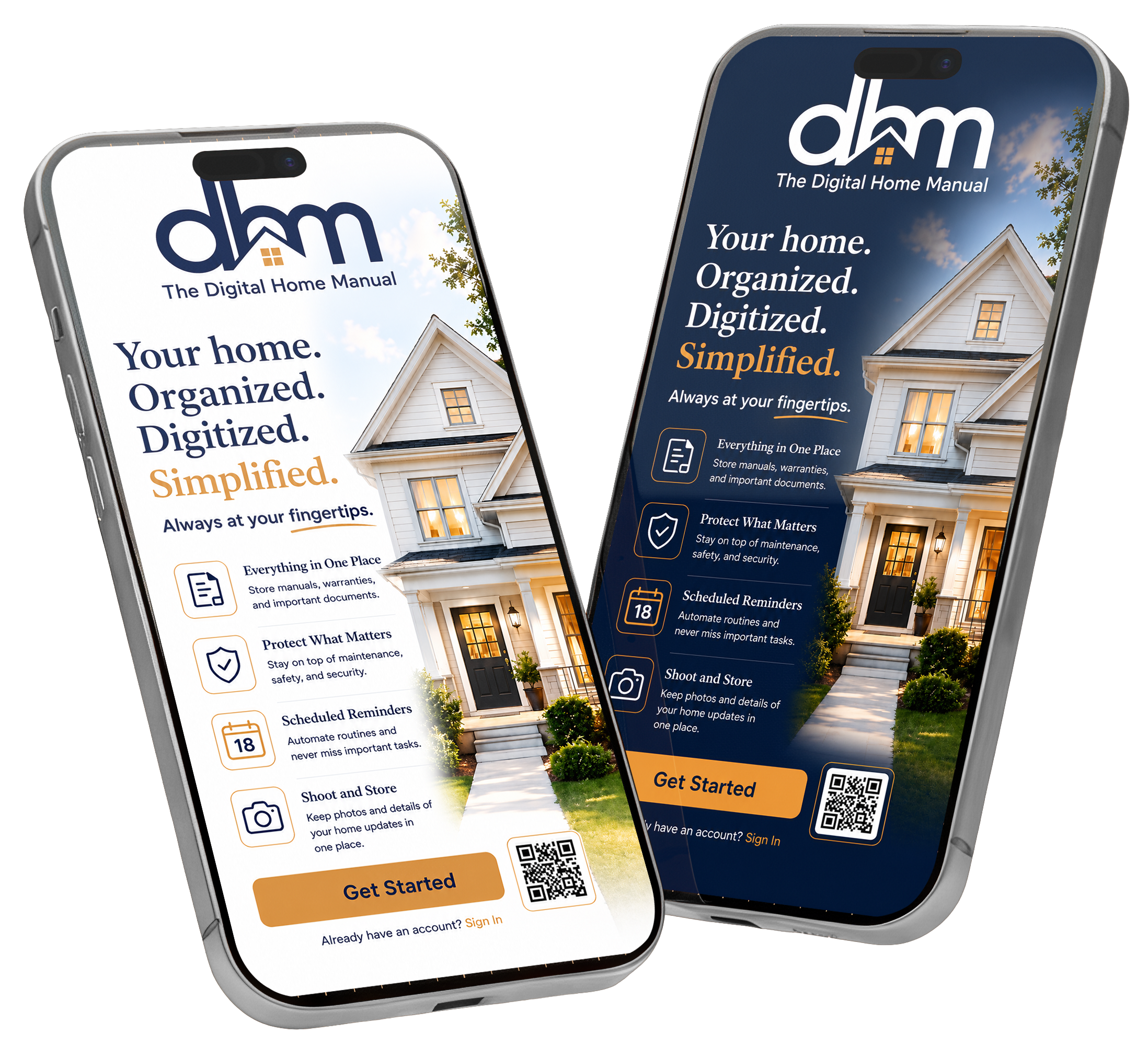
Bright when it's morning. Calm when it's night.
The DHM home screen adapts automatically — light and energetic during the day, warm and restful after sunset. Same data, same controls, designed for how you actually live.
No setting to flip, no preference to remember. Your home dashboard just knows.
See what your home looks like, organized.
Sign up in under two minutes. One property to start. Add the rest when you're ready.